How to Download RC Book Online in India (2026) — Complete Guide
You can download your Vehicle RC online at no cost through the Parivahan portal, DigiLocker, or the mParivahan app. Simply enter your vehicle registration number, chassis number, and the mobile number linked to the registration. The digital RC is legally valid throughout India under the Motor Vehicles Act, 1988, and can be used just like the physical RC book.
The good news is that carrying a physical RC book is no longer necessary. As part of the Government of India’s Digital India initiative, vehicle owners can easily download a digital copy of their RC book online. The process is quick, free, and accessible anytime using a smartphone, tablet, or computer.
This guide explains every official way to download your RC online in 2026. It also covers the legal validity of a digital RC, what to do if your RC is lost, and how to resolve common download issues. Everything is presented in a clear, straightforward format so you can quickly find the information you need.
What is an RC Book? Full Form, Contents & Evolution
RC stands for Registration Certificate, an official document issued by your state’s Regional Transport Office (RTO) under the Motor Vehicles Act, 1988. It serves as legal proof that your car, bike, or any other vehicle is officially registered with the Government of India.
Without a valid RC, your vehicle has no legal identity on Indian roads. It is required for essential services such as buying or renewing insurance, transferring ownership, filing a theft FIR, and obtaining a No Objection Certificate (NOC) for interstate vehicle transfers.
What Information Does Your RC Contain?
- Owner’s full name
- Vehicle registration number
- Date of registration
- Chassis number (VIN)
- Engine number
- Make, model & variant
- Fuel type
- Vehicle category (2W/4W)
- Seating capacity
- Body type
- RC validity date
- Hypothecation details (loan)
- Insurance details
- Issuing RTO name
Old RC Book → Smart Card → Virtual Digital RC
Old RC Book (Paper)
A physical booklet issued by the RTO. It is bulky, easy to lose, and prone to damage. However, it is still valid for many older vehicles in some states.
Smart Card RC
A compact plastic registration card introduced in the 2000s. It is the standard physical RC format and includes an embedded chip containing vehicle information.
Virtual / Digital RC
A digital version of the Registration Certificate stored in DigiLocker or mParivahan. It is legally valid and can be shown directly from your smartphone.
RC color coding for commercial vehicles: Commercial vehicles use yellow number plates with black lettering. Their Registration Certificate (RC) also contains important details such as the permit type, fitness certificate validity, and route authorization. If you’re buying a used commercial vehicle, make sure to verify all of these details before completing the purchase.
How to Download RC Book Online Using Parivahan Sewa Portal
You can download your RC book online quickly and reliably through the official Parivahan Sewa portal.
Step-by-Step RC Download Online Process
- Go to official Parivahan Sewa website.
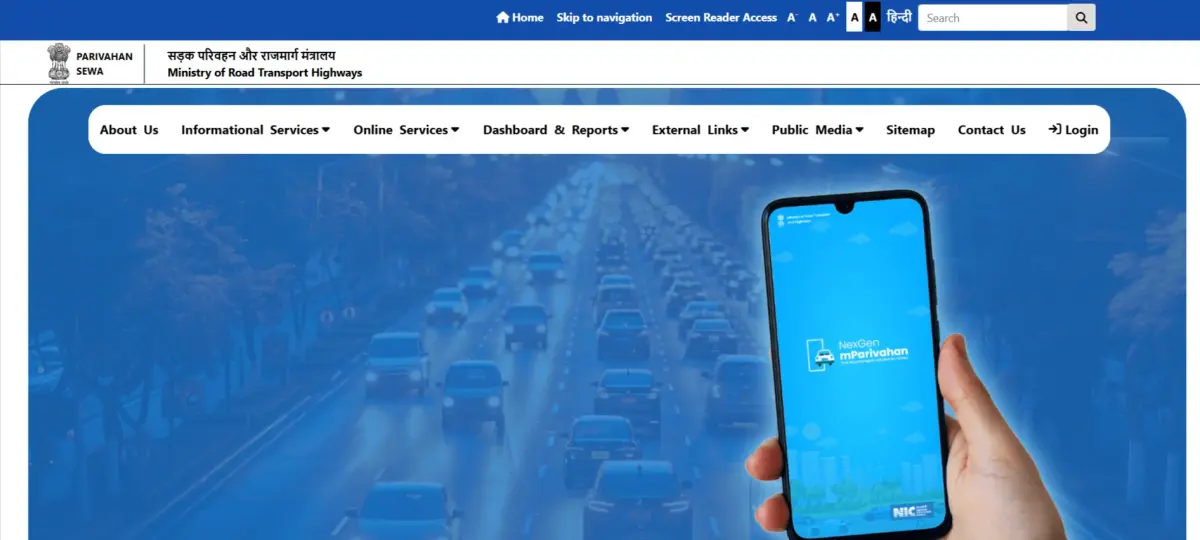
- Click on Vehicle Related Services.
- Choose your state.
- Add your vehicle registration number.
- Add mobile number and verify OTP code.
- Find the RC services or document option.
- Click on RC Download / RC Book Download PDF.
Required Details for RC Download
- Vehicle Registration Number
- Registered Mobile Number
- OTP Verification
- Chassis Number (if required)
RC Download via mParivahan App – Step-by-Step Process
Follow these simple steps to download your RC using the mParivahan app on your mobile.
- Step 1: Install the mParivahan App
- Go to Google Play Store or Apple App Store.
- Download and Install the app.
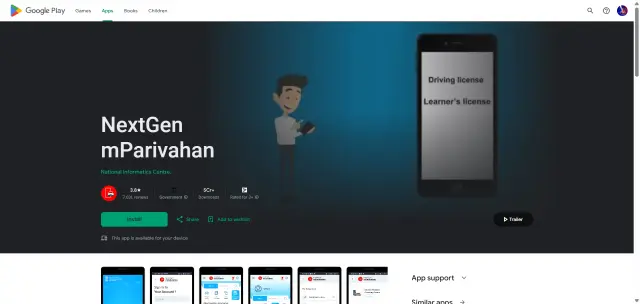
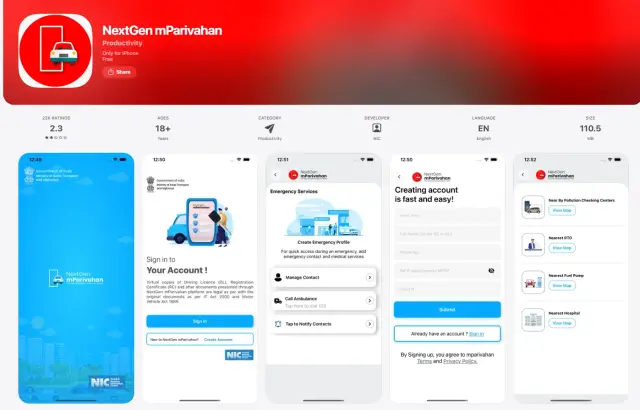
- Step 2: Sign In / Register
- Open the app.
- Add your mobile number and verify OTP code.
- Step 3: Add Your Vehicle
- Click on “Add Vehicle”.
- Enter your vehicle registration number.
- Step 4: Verify Ownership
- Confirm your vehicle using the OTP verification.
- Your vehicle details will be loaded automatically.
- Step 5: Access Digital RC
- In your dashboard RC (Registration Certificate).
- Click on see full details.
- Step 6: RC Download / Save
- Save the RC on your phone.
- You can use it in the app.
RC Download via DigiLocker – Step-by-Step Process
Follow these steps to complete DigiLocker RC download easily:
- Step 1: Install or Open DigiLocker
- Download the DigiLocker Android app , iOS App or visit the official website.
- Login using your mobile number / Aadhaar.
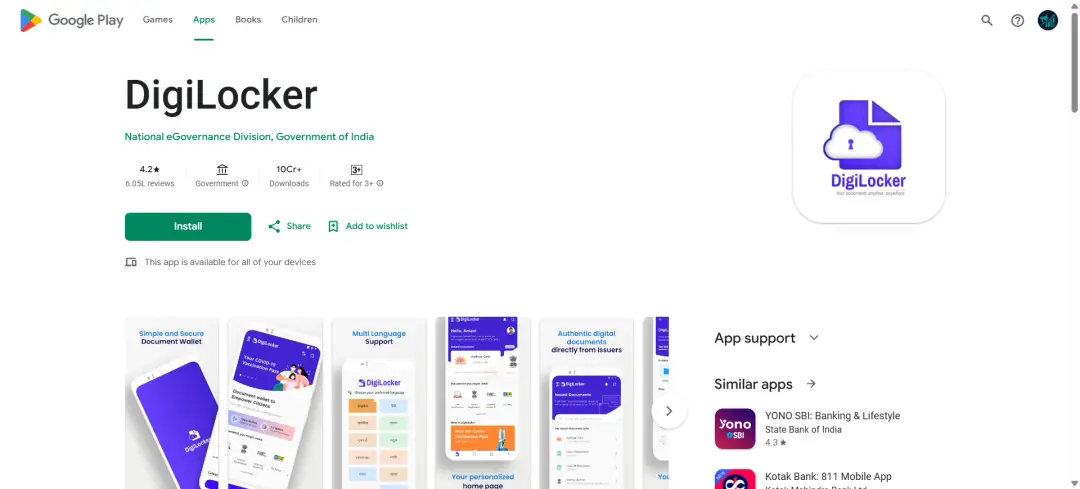
- Step 2: Login to Your Account
- Add your username or password.
- Verify the OTP code.
- Step 3: Go to “Issued Documents”
- After login, open Issued Documents option.
- Click on Search Documents.
- Step 4: Select Transport Department
- Select Ministry of Road Transport and Highways (MoRTH).
- Choose Registration of Vehicle.
- Step 5: Enter Vehicle Details
- Add your vehicle registration number.
- Submit the details.
- Step 6: Fetch and Download RC
- Your RC details will be displayed automatically.
- Click on Download RC PDF or save it in DigiLocker.
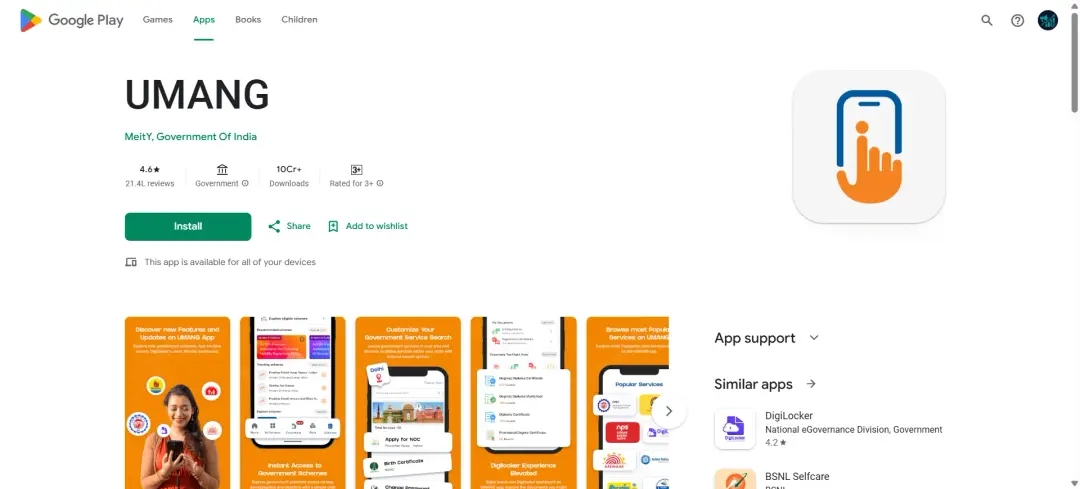
RC Download via UMANG App – Step-by-Step Process
Follow these steps to complete UMANG RC download easily:
- Step 1: Install or Open UMANG App
- Download the UMANG App from Play Store or App Store.
- Open the app.
- Step 2: Login / Register
- Enter your mobile number.
- Verify through OTP code.
- Step 3: Search for Transport Services
- Click on Search bar and type “Parivahan” or “RC”.
- Step 4: Select RC Services
- Select Vehicle Services / RC Services.
- Choose the related to RC download or view RC.
- Step 5: Enter Vehicle Details
- Add your vehicle registration number.
- Submit your details.
- Step 6: View and Download RC
- Your vehicle registration details are now visible.
- Download or save the RC.
How to Download Duplicate RC Book Online on Parivahan
If your vehicle’s RC is lost or damaged, you can submit an online application for a duplicate RC.
Steps to Apply for Duplicate RC
- Go to official Parivahan portal.
- Choose Vehicle Related Services. Add vehicle registration number.
- Click on Duplicate RC Application. Upload required document.
- Pay application fees and Submit Application.
- Once your application is approved, you can easily download your duplicate RC.
Documents Required for Duplicate RC
- FIR copy (if RC lost)
- Insurance certificate
- PUC certificate
- Identity proof
RC Card Download vs RC Book Download: Key Differences
Understanding the difference between rc card download and rc book download online is important.
RC Card
- Smart card format
- Physical version issued by RTO
- Compact and durable
RC Book PDF
- Digital format (PDF)
- Downloaded online
- Easy to store and share
Online RC Download: Common Issues and Solutions
While performing online rc download, users may face some common issues.
1. OTP Not Received
- Check network connectivity
- Ensure registered mobile number is active
2. RC Not Found
- Verify registration number
- Check if vehicle data is updated in Vahan
3. Login Issues
- Clear browser cache
- Use updated browser
4. RC PDF Not Downloading
- Disable popup blockers
- Try different device or browser